







Moving Average Daily
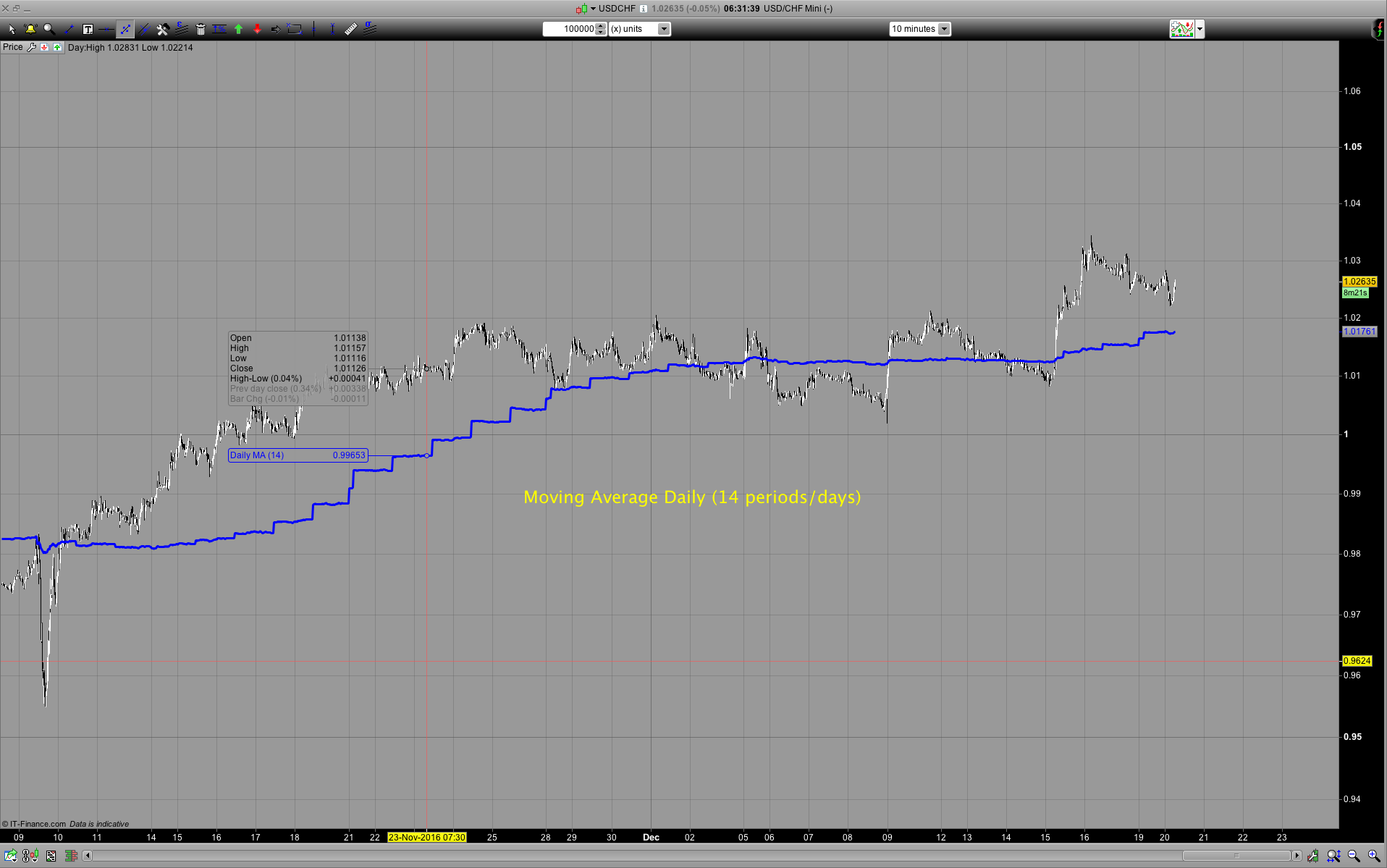
At this stage ProRealtime doesn’t have multi timeframe capabilities. However one easy possibility is to use the moving average of the daily timeframe with the options of DOpen, DHigh, DLow, DClose and that’s what this indicator enables you to do. You can select the number of periods ie. Days: number of periods/days (please note there’s a limit depending on the timeframe you use this on and there’s a difference between PRT and IG data periods) open/high/low/close, etc… If you are going to use this in a live trading account you will need to set: DEFPARAM Preloadbars = Here is the table of how much Preloadbars you will need depending how many periods you want to look back. The column max days shows the maximum of what you can set Preload to.
As an example of you are using a 10 minute timeframe the maximum DEFPARAM Preloadbars = 5000 // maximum is 5000 and this is equal to the moving average of 35 days.
| DEFPARAM Preloadbars = | |||
| 60 | 24 | 5000 | |
| Minutes | bars per hour | bars per day | max days |
| 1 | 60 | 1440 | 3 |
| 5 | 12 | 288 | 17 |
| 10 | 6 | 144 | 35 |
| 15 | 4 | 96 | 52 |
| 30 | 2 | 48 | 104 |
| 60 | 1 | 24 | 208 |
You should find this indicator useful if you are trading mean reversion system and want to make an entry a timeframe less than the daily while using the daily moving average as the mean.
REMINDER: if you want the indicator to appear in the Price section of the chart, you must add it by clicking on the spanner icon on the little Price tab in the Price window.
// Please note if you're using IG there's a smaller number of days you can use and the smaller the timeframe the small number of days you can use
periods = p // days

LMA=0 // Loop MA
FOR i = 0 TO periods-1 DO  // Need -1 so the Result is the number of periods we actually want
 LMA = DClose(i) + LMA // Don't think this is possible CustomClose[(i)]
Next

LMAactual = (LMA / (periods))

RETURN LMAactual AS "Daily MA"
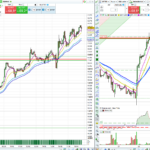
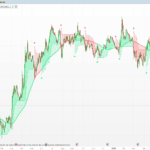
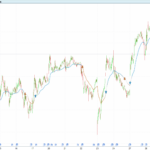
Comments
You must be logged in to post a comment.
Nicolas I've looked at it again and there's a problem.
As an example here's a simple cross over system and you can see the entry and exit is not at the cross over. It's even worse if you use <> for the daily moving averages for the BUY. I made 2 instances of the indicator and Call the indicators Moving Average Daily with DHigh and DLow. I'm still having HTTP error when trying to upload a screen shot. Here's a screenshot https://ibb.co/na7LDv
I look forward to hearing what results you have Nicolas.
// Definition of code parameters
DEFPARAM CumulateOrders = False // Cumulating positions deactivated

// Conditions to enter long positions
indicator1 = CALL "Moving Average Daily HIGH"[14]
indicator2 = CALL "Moving Average Daily LOW"[50]
c1 = (indicator1 CROSSES OVER indicator2)

IF c1 THEN
BUY 1 CONTRACT AT MARKET
ENDIF

// Conditions to exit long positions
indicator3 = CALL "Moving Average Daily HIGH"[14]
indicator4 = CALL "Moving Average Daily LOW"[50]
c2 = (indicator3 CROSSES UNDER indicator4)

IF c2 THEN
SELL AT MARKET
ENDIF

Nicolas, I wrote the code and I have DEFPARAM Preloadbars = 3000 on m60 so that's plenty of preloadbars.
As far as I know I didn't change the weekend data of FX. But the drawn moving average lines do not cross many times but the position open and they should not open. So no one else is having this issue?
I am running the Demo of 10.3 via IG so maybe that's having an issue?
Hi, Thank you very much for the Moving Average Daily indicator, I am using it as indicator in an intraday chart so I would like to preload bars. I tried to add at the beginning DEFPARAM CalculateOnLastBars = 5000 but it seems that it is doing nothing. If I use DEFPARAM Preloadbars = 5000 it claims that it is only used in Probacktest. Thanks in advance