







Strategy TrendImpulse v1
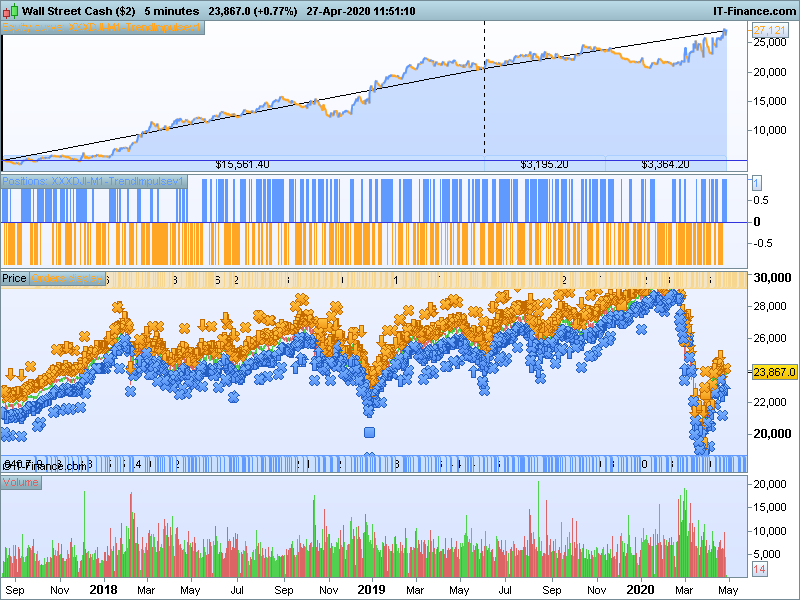
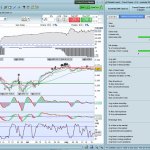
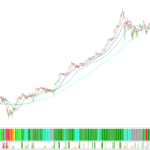
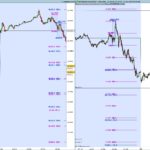
Here is a new strategy on Wall Street/DJI 5 min TF that utilize Perfect Trend Line as entry/exit and Trend Impulse Filter as trend direction. All credits to the original author.
DLS code is added to avoid high spread period. Time Zone used is UTC+08:00.
Forum for discussion https://www.prorealcode.com/topic/strategy-trendimpulse-v1/
DEFPARAM CumulateOrders = false
DEFPARAM PRELOADBARS = 1000

// ---------   US DAY LIGHT SAVINGS MONTHS      ---------------- //
mar = month = 3 // MONTH START
nov = month = 11 // MONTH END
IF (month > 3 AND month < 11) OR (mar AND day>14) OR (mar AND day-dayofweek>7) OR (nov AND day<=dayofweek AND day<7) THEN
 USDLS=010000
ELSE
 USDLS=0
ENDIF

timeok = NOT(time >051500- USDLS AND time <053000 - USDLS) AND NOT(time >060000 - USDLS AND time <070000 - USDLS)

timeframe(5 minute)
thigh1 = Highest[SlowLength](high)+ SlowPipDisplace*pointsize
tlow1  = Lowest[SlowLength](low)- SlowPipDisplace*pointsize
thigh2 = Highest[FastLength](high)+ FastPipDisplace*pointsize
tlow2  = Lowest[FastLength](low)- FastPipDisplace*pointsize

if barindex>2 then
 if Close>line1[1] then
  line1 = tlow1
 else
  line1 = thigh1
 endif
 if Close>line2[1] then
  line2 = tlow2
 else
  line2 = thigh2
 endif
endif

if (Close[0]<line1[0] and Close[0]<line2[0]) then
 trend =  1
endif
if (Close[0]>line1[0] and Close[0]>line2[0]) then
 trend = -1
endif
if (line1[0]>line2[0] or trend[0] =  1) then
 trena =  1
endif
if (line1[0]<line2[0] or trend[0] = -1) then
 trena = -1
endif
if trena<>trena[1] then
 if trena=1 then
 //bear
  prefecttrend = 2
 else
 //bull
  prefecttrend = 1
 endif
endif

timeframe(default)

once bb = src
if barindex>length then
 src = (highest[length](high)+lowest[length](low))/2
 rising = src-src[length]>0
 falling = src-src[length]<0
 aa = rising or falling
 bb = exponentialaverage[centertrend](aa*src+(1-aa)*bb[1])
//—-

 if bb>bb[1] then
  //bull
  trendimpulse = 1
 elsif bb<bb[1] then
  //bear
  trendimpulse = 2
 endif

endif


//====== Enter market - start =====

//  LONG  side
C1 = trendimpulse = 1 AND prefecttrend[1] = 2 AND prefecttrend = 1

IF timeok AND Not OnMarket AND C1 THEN
 BUY 1 CONTRACT AT MARKET
 SET STOP   pLOSS   SL

ENDIF

//  SHORT side
C2 = trendimpulse = 2 AND prefecttrend[1] = 1 AND prefecttrend = 2

IF timeok AND Not OnMarket AND C2 THEN
 SELLSHORT 1 CONTRACT AT MARKET
 SET STOP   pLOSS   SL

ENDIF


//====== Enter market - end =====

//====== Exit market - start =====

X1 = prefecttrend[1] = 1 AND prefecttrend = 2
IF LONGONMARKET AND X1 THEN
 SELL AT MARKET
ENDIF


X2 = prefecttrend[1] = 2 AND prefecttrend = 1
IF SHORTONMARKET AND X2 THEN
 EXITSHORT AT MARKET
ENDIF


//====== Exit market - end =====
Comments
You must be logged in to post a comment.

How can I optimize it for DAX 30? Thanks!

One thing to note also for DOW trading if using IG, change the buy/sell qty from 1 to 2
Thanks Souhail, in the end i just copy/paste the logic with variables and it works. I removed the time function and use on Australia 200 (ASX) and have had good results. Currently testing with 1min and 5min
Hi all, thanks for the code. I would like to test and have loaded into the backtest but its asking me to add variables even though I see them loaded at the top of the backtest window. do I need to add them variables to the code itself? sorry, fairly new to this. Thanks Darren

Hello, Do you use the itf to import it in the platform ? if yes, i can't see why it keeps asking you to replace variables ... :/
btw i added the below but still asks me to 'replace variables with specific values' once SL=300 once SlowLength = 50 once FastLength = 35 once SlowPipDisplace = 0 once FastPipDisplace = 0 once length = 2 once centertrend = 1 Thanks Darren

Bonjour, télécharge le fichier itf et importe le directement sur la plateforme, évite le copier coller. Bon courage
Thank you Souhail Sam for the help. Btw, I have improved the strategy, you can get the latest from here, https://www.prorealcode.com/topic/strategy-trendimpulse-v1/page/2/#post-129779
It is me that i must thank you for your work. I have worked a lot on this version, I will finish some ameliorations before sharing it here. The strategie is running live in demo and it has given me good results. Just one problem is one day, 6 positions oppened in the same time and lost -164e six times. The problem is i have fixed 1 position a time in proOrder and cumulateorder is on false on the code, maybe it's a bug, hope that it will not do it on live trades in Real account. Thank you again for your work. I will take a look on the new version.

Hi, I have a question regarding the frequency of the points and the backtest time window. Looking at your screenshot it seems that you have 1 point every 5 minutes and a backtest of a duation of 2 years and a half. When I try to do a backtest with a data point every 5 minutes, the maximum backtest I can achieve is 11 days. Is there a trick to allow longer analysis? Cheers
Hi, you need to adjust the unit to higher number, for normal account, it is 100k units (the option is on the left of the time frame option, default maybe is 10k). You will need a premium PRT for longer test period (200k unit). I build strategy on 100k then ask my friend to test on 200k.

Merci Souhail Sam pour ta réponse rapide et précise. ;-) Je suis novice.
MERCI yahootew3000, SUPPER la programmation! belle perf avec ProBacktest. Je rencontre un petit problème avec ProOrder Auto Trading (Remplacez les variables par des valeurs fixe... )

Bonjour Souhait Sam, Après de nombreux essais pour le mettre en format afin d'utiliser ce code sur ProOrder je me retrouve bloqué avec des variables toujours non-définies. Voici le code en question. Je les aies tour à tour déclarée dans un ensemble de définition de variables et ensuite modifiés directement dans le code mais je reste bloqué dans l'exécution qui me dit que les variables ne sont pas modifiées ...

@Pascal, Oui effectivement, une fois le Backtest terminé, il te propose des valeurs pour le résultat obtenus pour les variables. Avant de lancer en ProOrder, il suffis soit de déclarer les variables sur le code et de mettres les valeurs du backtest avant de lancer au auto. exemple de déclaration : once SL=300 once SlowLength = 50 once FastLength = 35 once SlowPipDisplace = 0 once FastPipDisplace = 0 once length = 2 once centertrend = 1
Hi, only 3 variables to optimize: SlowLength, FastLength and length. Other variables are actually fixed. You can see the range by importing the .itf,

Hi! Many thanks! Can you please indicate us some value of the variables?

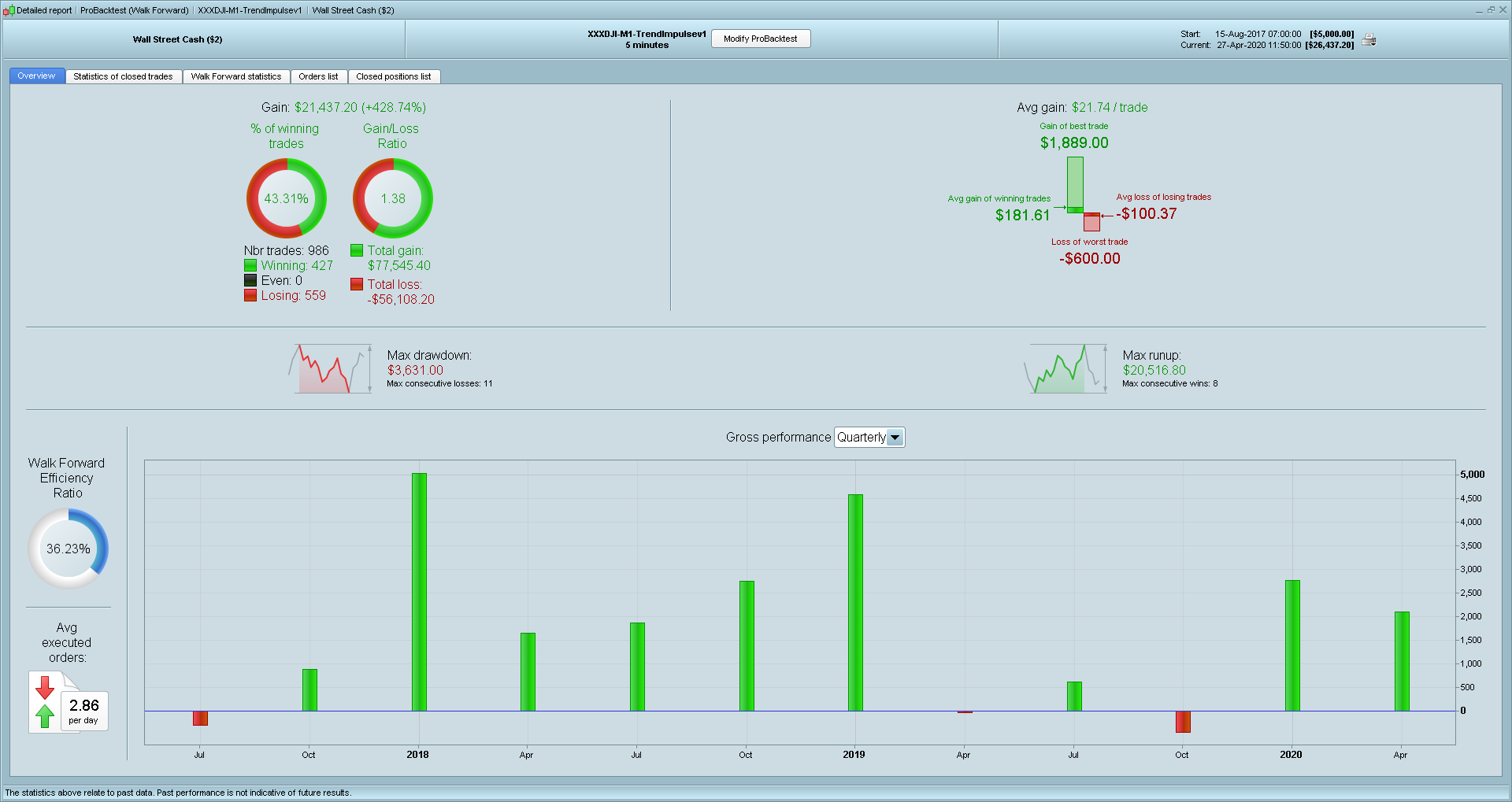
hi there, anyone can help making this strategy work, i have a message saying replace variable, what I'm suppose to do? thanks