Indicator creation

Viewing 5 posts - 1 through 5 (of 5 total)
  • Author
    Posts
  • #104701 quote
    fredrikfx
    Participant
    Junior

    Hi guys


    I need help to create an indicator that says when it´s time to enter a trade. Exit will be handled manually. I want the indicator to

    say go LONG, when close >EMA11, EMA11 > EMA22, EMA22 > EMA35 AND MACD[12,26,4](close) < MACDline[12,26,4](close).

    And go SHORT when close < EMA11, EMA11 < EMA22, EMA22 < EMA35 AND MACD[12,26,4](close) > MACDline[12,26,4](close).

    Thanks in advance

    // Conditions to enter long positions
    
    indicator1 = ExponentialAverage[11](close)
    c1 = (close > indicator1)
    indicator2 = ExponentialAverage[11](close) 
    indicator3 = ExponentialAverage[22](close)  
    c2 = (indicator2 > indicator3)
    indicator4 = ExponentialAverage[22](close) 
    indicator5 = ExponentialAverage[35](close)   
    c3 = (indicator4 > indicator5)
    indicator6 = MACD[12,26,4](close)    
    indicator7 = MACDline[12,26,4](close) 
    c4 = (indicator6 < indicator7)
    
    IF c1 AND c2 AND c3 AND c4 THEN
    
    BUY 1 CONTRACT AT MARKET
    
    ENDIF
    
    
    // Conditions to enter short positions
    indicator8 = ExponentialAverage[11](close)
    c5 = (close < indicator8)
    indicator9 = ExponentialAverage[11](close)
    indicator10 = ExponentialAverage[22](close)
    c6 = (indicator9 < indicator10)
    indicator11 = ExponentialAverage[22](close)
    indicator12 = ExponentialAverage[35](close)
    c7 = (indicator11 < indicator12)
    indicator13 = MACD[12,26,4](close)
    indicator14 = MACDline[12,26,4](close)
    c8 = (indicator13 > indicator14)
    
    IF c5 AND c6 AND c7 AND c8 THEN
    
    SELLSHORT 1 CONTRACT AT MARKET
    
    ENDIF
    
    #104708 quote
    GraHal
    Participant
    Master

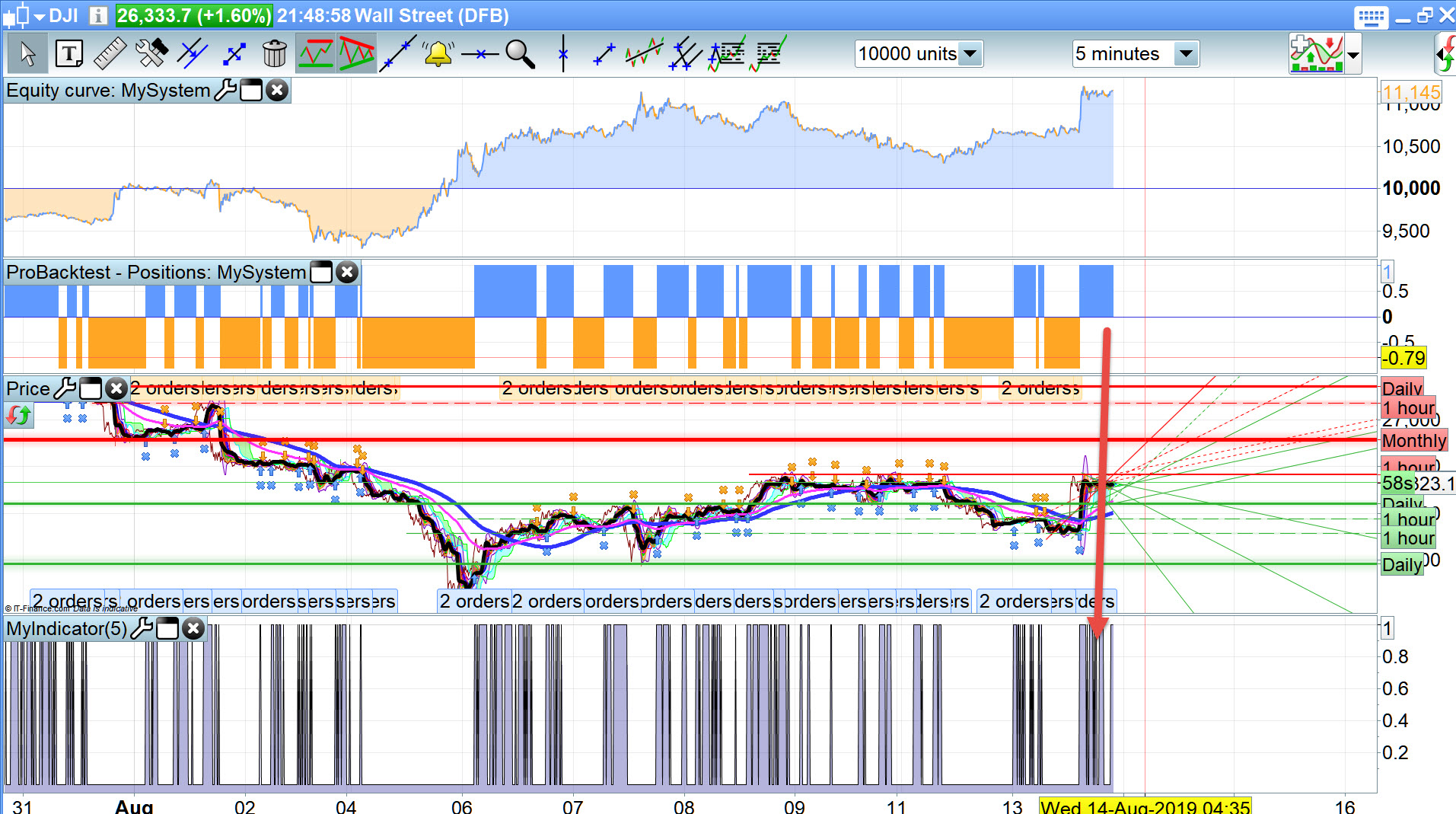
    I can’t recall ever doing an Indicator before, but below will give you a ‘1’ when Buy Conditions are met … see attached.

    You can then set an Alert that will email you so you can then Buy manually??

    indicator1 = ExponentialAverage[11](close)
    c1 = (close > indicator1)
    indicator2 = ExponentialAverage[11](close)
    indicator3 = ExponentialAverage[22](close)
    c2 = (indicator2 > indicator3)
    indicator4 = ExponentialAverage[22](close)
    indicator5 = ExponentialAverage[35](close)
    c3 = (indicator4 > indicator5)
    indicator6 = MACD[12,26,4](close)
    indicator7 = MACDline[12,26,4](close)
    c4 = (indicator6 < indicator7)
     
    MyBuy = c1 AND c2 AND c3 AND c4
    
    Return MyBuy
    #104711 quote
    GraHal
    Participant
    Master

    indicator that says when it´s time to enter a trade

    Or are you wanting the Indicator to speak to you (say Go LONG)?

    You can do this by recording a .wav file and using this .wav as the Alert instead of the inbuilt PRT voices / alerts.

    #104785 quote
    fredrikfx
    Participant
    Junior

    Thank you GraHal. This is just what i needed.

    I have one other question. Is it possible to enter a trade in real time. I mean, f.ex. when two lines are crossing, the trade should enter in exactly that moment. Not waiting for the candle to close.

    If it´s possible, how do I define this in the code?

    #104788 quote
    GraHal
    Participant
    Master

    If you mean on the PRT Alerts … then you would tick the box – ‘Current Candle’

    If you mean on Auto-System … then you would need execute trades on a Low TF – 5 secs or 15 secs maybe having had the conditions running on whatever TF you choose – 1 hour, 4 hours etc.

    MTF however is not available in Live running yet, or it may be if you ask IG to switch MTF on for you!?

Viewing 5 posts - 1 through 5 (of 5 total)
  • You must be logged in to reply to this topic.

Indicator creation


ProBuilder support

New Reply
Author
author-avatar
fredrikfx @fredrikfx Participant
Summary

This topic contains 4 replies,
has 2 voices, and was last updated by GraHal

6 years, 5 months ago.

Topic Details
Forum: ProBuilder support
Language: English
Started: 08/13/2019
Status: Active
Attachments: 1 files
Logo Logo
Loading...