Modify this Range box indicator please

Viewing 15 posts - 1 through 15 (of 18 total)
  • Author
    Posts
  • #94072 quote
    Angus Thomson
    Participant
    Junior

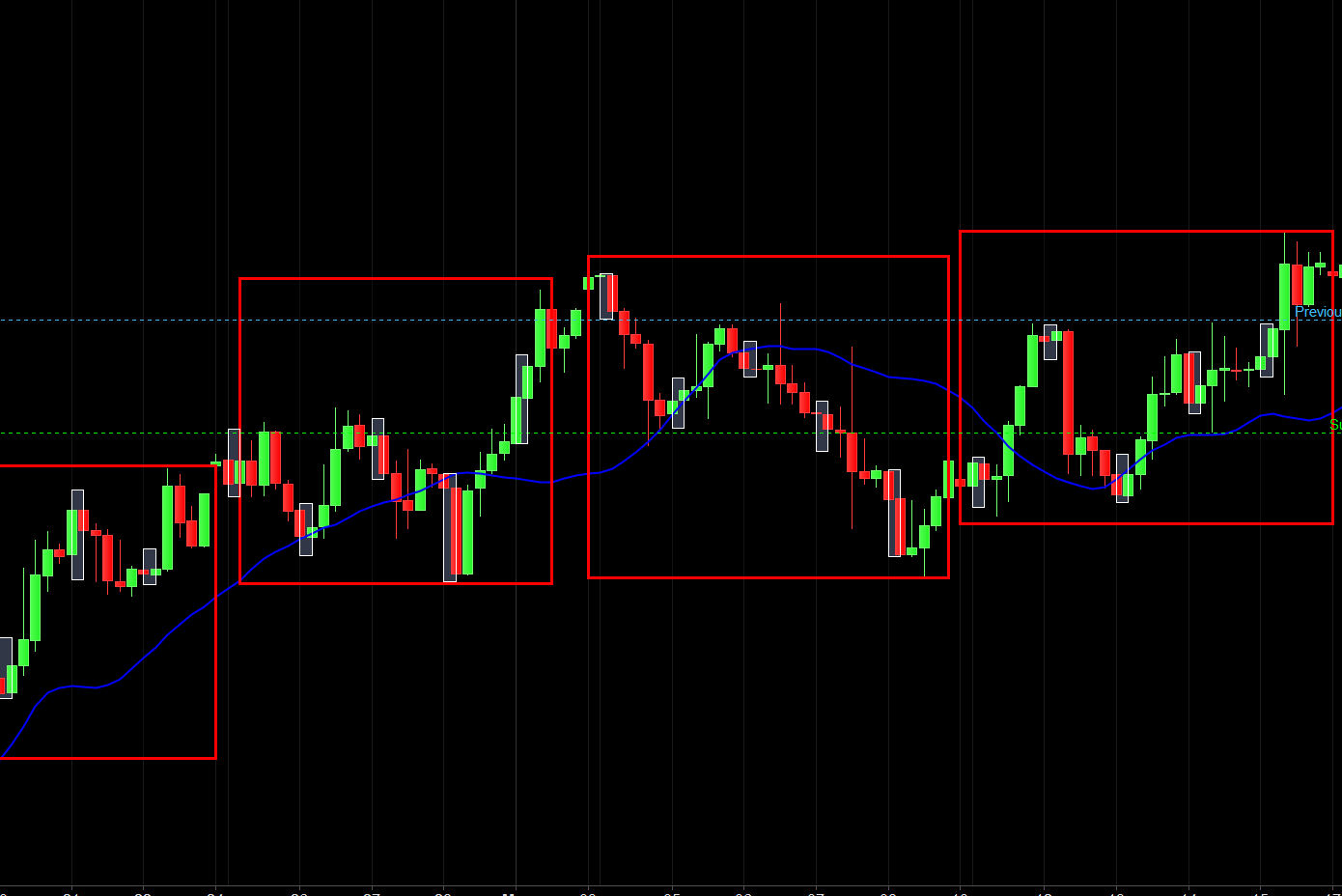
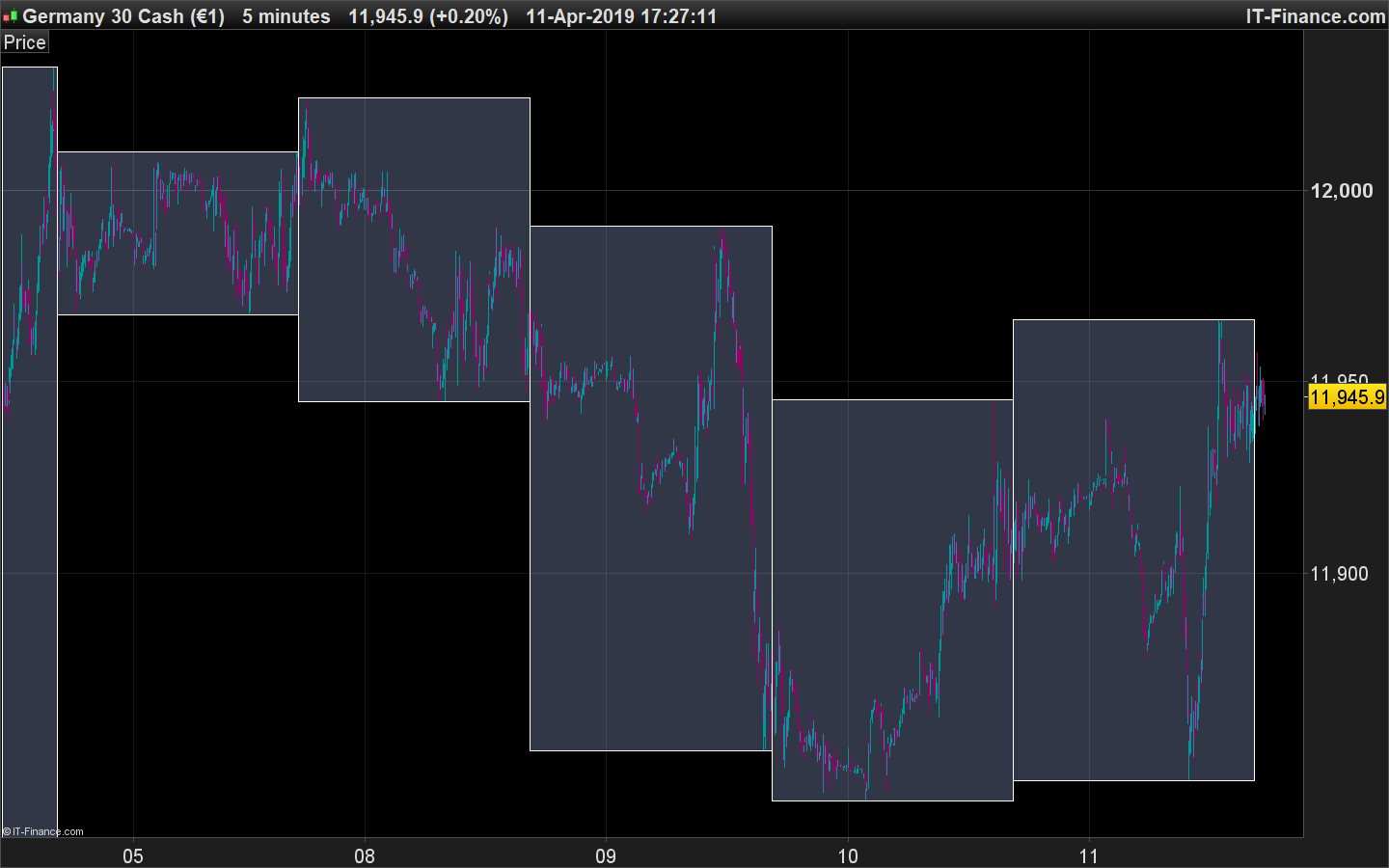
    Hello, can someone please modify this indicator.

    It currently shows 000000=080000

    I want it to show 163000-163000

    Thanks!

    #94293 quote
    Nicolas
    Keymaster
    Master

    Please add the code in your next post, much easier and faster for anyone to answer the question rather than download/import the file into the platform, thanks.

    #96118 quote
    Angus Thomson
    Participant
    Junior
    //defparam drawonlastbaronly = true
    if intradaybarindex=0 then
    maxvalue=0
    minvalue=Dclose(0)*5
    endif
    timerange = time>000000 and time<=080000
    if timerange  then
    maxvalue = max(maxvalue , high)
    minvalue = min(minvalue , low)
    if intradaybarindex=0 then
    x1=barindex
    endif
    if time=080000 then
    x2=barindex
    DRAWRECTANGLE(x1,maxvalue,x2,minvalue) coloured(0,0,0,0)
    endif
    endif
     
    RETURN

    That is the code for the current 0000-0800 box.

    What i would like is the code modified to show 1630-1630, I’ve tried and it’s not playing fair.

    #96120 quote
    Angus Thomson
    Participant
    Junior

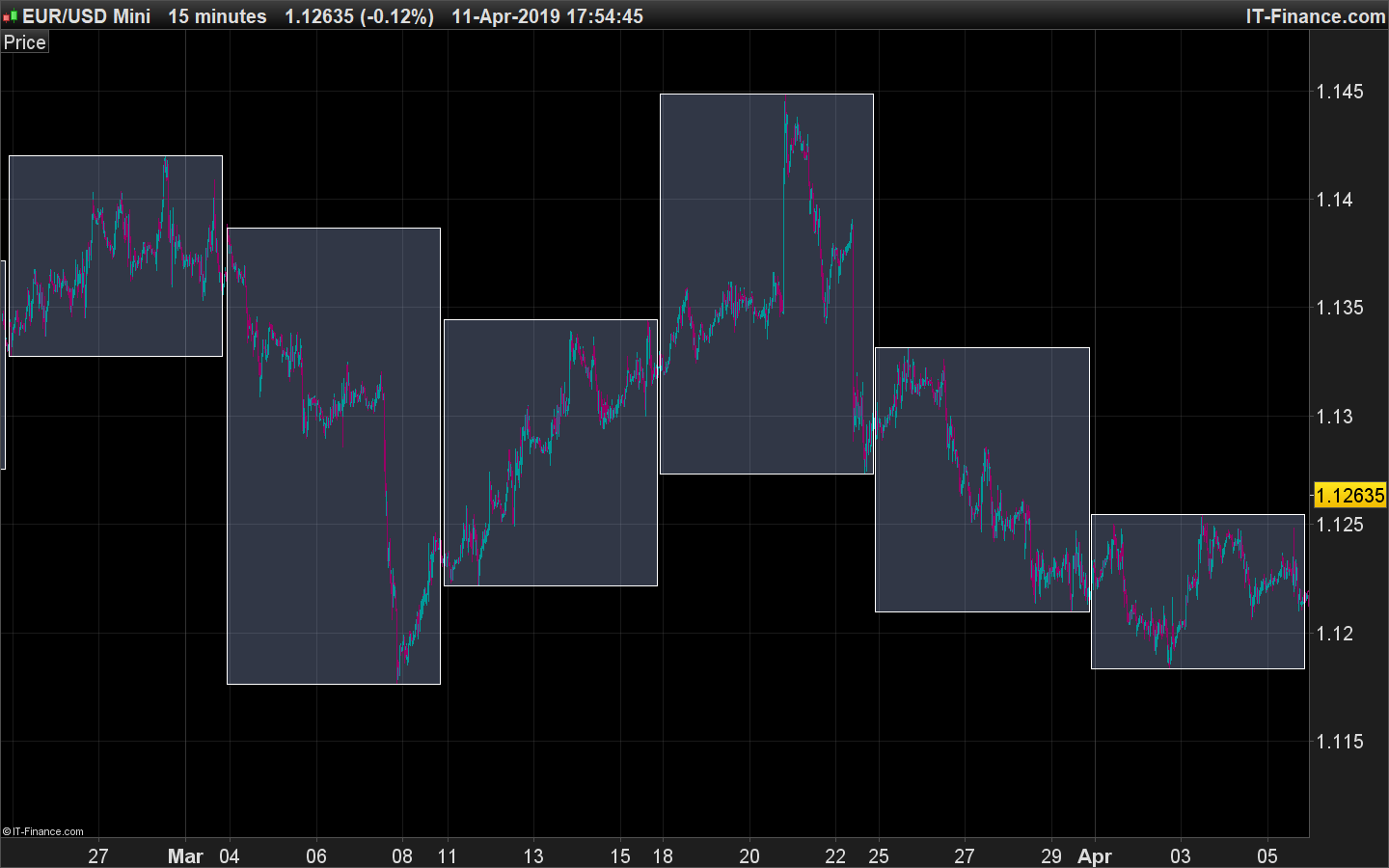
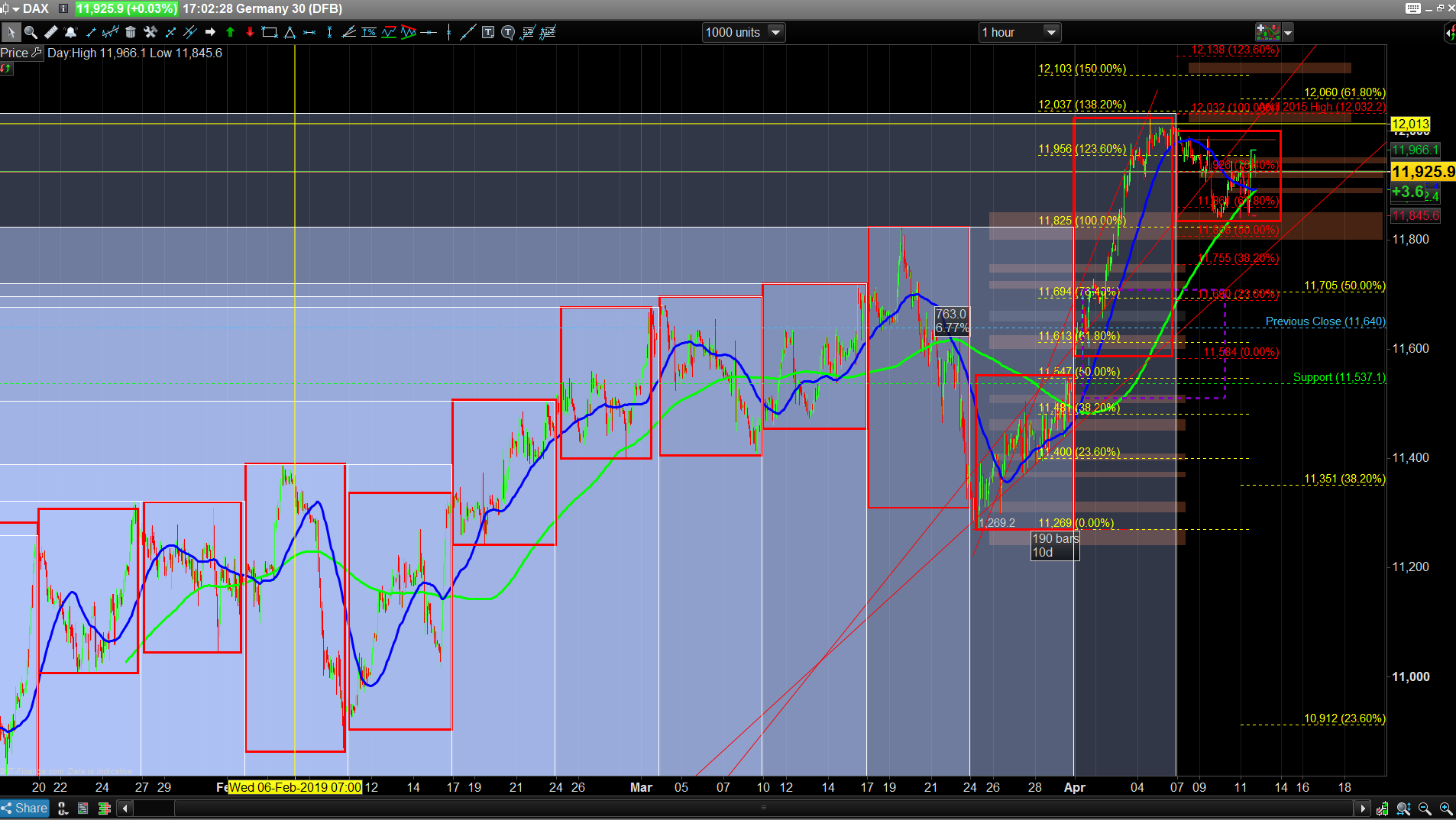
    Also, if anyone could modify/make code to show a weekly box, it would be for the DAX, so showing Sunday 2200-  Friday 2100, I’ve added an image of what i Manually put on the chart.

    Thank you to anyone who can help!

    #96123 quote
    Nicolas
    Keymaster
    Master

    You mean 16:30:00 from one day to the next one at the same hour?

    #96129 quote
    Angus Thomson
    Participant
    Junior

    If it’s not possible 1630-1630 then 1700-1600, possible?

    #96130 quote
    Nicolas
    Keymaster
    Master

    I think that this simple code would do the trick:

    StartEndHour = 163000
    
    maxvalue = max(maxvalue , high)
    minvalue = min(minvalue , low)
    
    if time = StartEndHour then 
    DRAWRECTANGLE(x1,maxvalue,barindex,minvalue) coloured(0,0,0,0)
    x1=barindex
    maxvalue=0
    minvalue=Dclose(0)*5
    endif
     
    RETURN
    #96134 quote
    Angus Thomson
    Participant
    Junior

    Good man, could you do a weekly for me?

    #96138 quote
    Nicolas
    Keymaster
    Master

    Try this version:

    maxvalue = max(maxvalue , high)
    minvalue = min(minvalue , low)
    
    if opentime=220000 and dayofweek=0 then 
    x1=barindex
    maxvalue=0
    minvalue=Dclose(0)*5
    endif
    
    if time = 210000 and dayofweek=5 then
    DRAWRECTANGLE(x1,maxvalue,barindex,minvalue) coloured(0,0,0,0)
    endif
     
    RETURN
    #96140 quote
    Angus Thomson
    Participant
    Junior

    It looks a bit different, I cant view on any timeframe higher than 1hr..

    #96145 quote
    Nicolas
    Keymaster
    Master

    Are the Friday bar at 210000 and Sunday bar at 220000 visible on your chart? If not, the calculation cannot be done.

    Angus Thomson thanked this post
    #96146 quote
    Vonasi
    Moderator
    Master

    This adaptation of Nicolas’ code might be what you want? It resets the rectangles on the first Sunday candle or first trading candle of the week if there are non trading Sundays, Mondays etc. It does not draw a rectangle until a week is completed. Works on any time frame from daily or faster.

    maxvalue = max(maxvalue , high)
    minvalue = min(minvalue , low)
     
    if opendayofweek < opendayofweek[1] then
    DRAWRECTANGLE(x1,maxvalue,barindex-1,minvalue) coloured(0,0,0,0)
    x1=barindex
    maxvalue=high
    minvalue=low
    endif
     
    RETURN
    Angus Thomson thanked this post
    #96267 quote
    Angus Thomson
    Participant
    Junior

    Are the Friday bar at 210000 and Sunday bar at 220000 visible on your chart? If not, the calculation cannot be done.

    Nope, I’ve tried the code below and that works for me, thanks for your help with the other box coding!


    This adaptation of Nicolas’ code might be what you want? It resets the rectangles on the first Sunday candle or first trading candle of the week if there are non trading Sundays, Mondays etc. It does not draw a rectangle until a week is completed. Works on any time frame from daily or faster.


    Works for me, thanks mate!

    #97301 quote
    micha2012
    Participant
    Average

    Hello Nicolas,

    I tried just to change time , so that I get box from 09.00h to 10.00h…by typing “09000” and 010000″..but it displayed boxes over several days long…?

    Please how can I add a simple time change to :

    //defparam drawonlastbaronly = true
    if intradaybarindex=0 then
    maxvalue=0
    minvalue=Dclose(0)*5
    endif
    timerange = time>000000 and time<=080000
    if timerange  then
    maxvalue = max(maxvalue , high)
    minvalue = min(minvalue , low)
    if intradaybarindex=0 then
    x1=barindex
    endif
    if time=080000 then
    x2=barindex
    DRAWRECTANGLE(x1,maxvalue,x2,minvalue) coloured(0,0,0,0)
    endif
    endif
     
    RETURN

    The box should be displayed from 09.00h to 10.00h in the morning.

    Merci beacucoup, Nicola!

    Regards Micha

    #97304 quote
    robertogozzi
    Moderator
    Master

    Try uncommenting line 1 and move line 15 to line 18.

Viewing 15 posts - 1 through 15 (of 18 total)
  • You must be logged in to reply to this topic.

Modify this Range box indicator please


ProBuilder support

New Reply
Author
Summary

This topic contains 17 replies,
has 5 voices, and was last updated by robertogozzi
6 years, 9 months ago.

Topic Details
Forum: ProBuilder support
Language: English
Started: 03/19/2019
Status: Active
Attachments: 5 files
Logo Logo
Loading...